
When you make a website or a web application, making it fast and smooth is very important. A website that loads slowly or moves around while loading can frustrate users. Google also uses website speed and performance to clinch how high your site ranks in search results. That’s why every full stack developer should know about Core Web Vitals.
Core Web Vitals measure the performance of a webpage from the user’s point of view. These metrics tell us if a page loads quickly, becomes interactive fast, and stays stable while loading.
In this blog, we will learn what Core Web Vitals are, how they affect your full stack web application, and how to improve them step by step. If you’re learning through a full stack developer course, this topic will help you build better websites that users and search engines love.
What Are Core Web Vitals?
Core Web Vitals are three key performance metrics:
1. Largest Contentful Paint (LCP)
It estimates how long it takes for the biggest part of the page to appear. This could be a large image, a heading, or a block of text.
- Good: less than 2.5 seconds
- Needs improvement: 2.5 to 4 seconds
- Poor: more than 4 seconds
2. First Input Delay (FID)
FID measures how long it takes for the page to respond when the user clicks or taps something.
- Good: less than 100 milliseconds
- Needs improvement: 100 to 300 milliseconds
- Poor: more than 300 milliseconds
3. Cumulative Layout Shift (CLS)
CLS checks how much the layout of the page shifts unexpectedly. For example, if a button moves while you’re trying to click it, that’s a layout shift.
- Good: less than 0.1
- Needs improvement: 0.1 to 0.25
- Poor: more than 0.25
Understanding these metrics is the first step in improving them.
Why Core Web Vitals Matter in Full Stack Development
In full stack development, we work on both the frontend (what users see) and the backend (server, database, APIs). Both affect Core Web Vitals.
For example:
- If your backend is slow, your frontend will wait to show data (bad for LCP).
- If your frontend loads too much JavaScript, it may delay interaction (bad for FID).
- If elements load at different times, the layout may shift (bad for CLS).
That’s why full stack developers need to plan the whole system for performance — from database to browser.
Students who learn in full stack developer classes often work on end-to-end projects. Adding Core Web Vitals optimisation to these projects shows a good understanding of performance.
Tools to Measure Core Web Vitals
Here are some easy tools to test your app:
- PageSpeed Insights (by Google): Gives you LCP, FID, CLS scores
- Lighthouse (built into Chrome): Helps you find problems and gives suggestions
- Web Vitals Chrome Extension: Live view of your vitals as you browse
- Google Search Console: Shows real-world performance if your site is live
Use these tools often during development to check progress.
How to Improve Largest Contentful Paint (LCP)
LCP is about loading speed. Here’s how to make it better:
1. Optimise Images
Images are often the largest content. Use:
- Smaller file sizes (JPG, WebP)
- Proper image dimensions
- Lazy loading for images below the fold
2. Use Fast Hosting
Choose a reliable server or CDN (Content Delivery Network) close to your users. This reduces the time to load assets.
3. Avoid Render-Blocking Scripts
Move non-essential JavaScript to the bottom or load it after the main content.
4. Cache Static Content
Use caching for CSS, JS, and images to avoid loading them again every time.
If you’re following a full stack developer course, try deploying your project on services like Vercel or Netlify — they use CDNs and auto caching to improve LCP.
How to Improve First Input Delay (FID)
FID is about how fast the page responds to user actions. To improve it:
1. Reduce JavaScript
Too much JavaScript can block the browser from responding quickly.
- Use code splitting (load parts of JS only when needed)
- Remove unused libraries or plugins
- Use tree-shaking to remove dead code
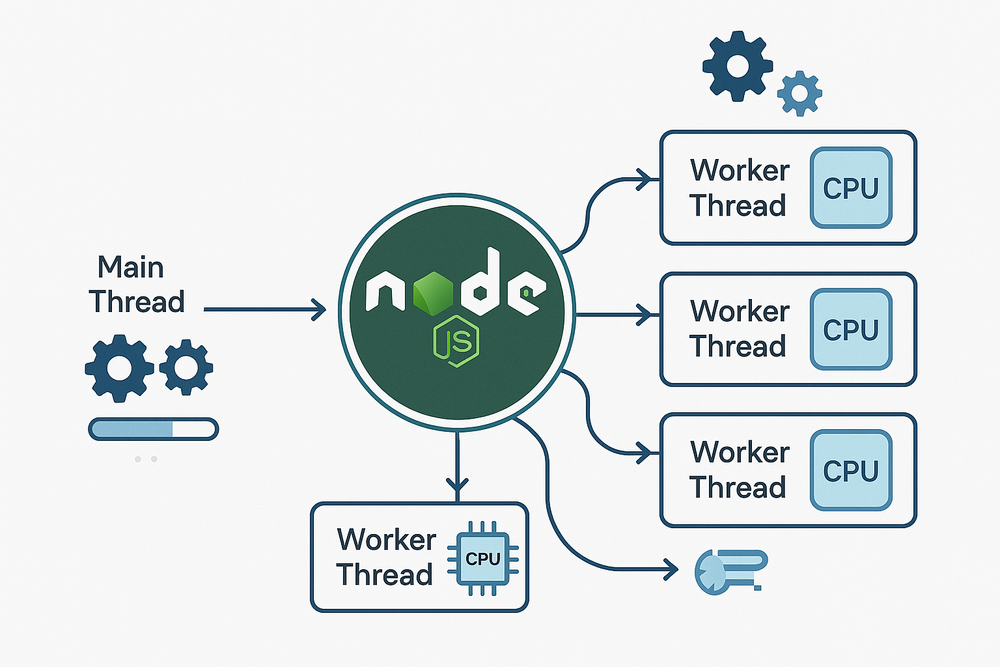
2. Use Web Workers
Move heavy tasks (like data processing) off the main thread using Web Workers.
3. Defer Non-Critical JS
Use async or defer in your <script> tags to avoid blocking the page.
These tricks help keep your app fast and snappy for users.
How to Improve Cumulative Layout Shift (CLS)
CLS is about visual stability. To reduce layout shifts:
1. Set Fixed Sizes for Images and Videos
Always define width and height in your HTML or CSS. This way, the browser reserves space while loading.
2. Avoid Inserting Content Above Existing Content
For example, don’t load a banner or ad at the top after the page has started rendering. It pushes everything down.
3. Use Font Display Settings
When loading custom fonts, avoid flash of unstyled text (FOUT). Use font-display: swap; in your CSS.
4. Preload Important Assets
Use <link rel=”preload”> for fonts or key images to load them faster and prevent shifts.
By focusing on layout stability, your site will feel smoother and more professional.
Backend Optimisation Tips
As a full stack developer, your backend also affects frontend performance. Here’s how:
1. Reduce API Response Time
- Use indexing in your database
- Avoid unnecessary data in API responses
- Compress JSON using gzip
2. Use Caching
Cache common responses at the server or database level.
3. Optimise Middleware
Remove unused middleware or logs that slow down your API.
4. Minimise Round-Trips
Send all the needed data in one API call when possible. Avoid making multiple requests from the frontend.
Frontend + Backend Example
Imagine your app fetches user data and then displays a large profile picture and name.
Without Optimisation:
- Backend takes 3 seconds to respond
- Image is 5MB and loads slowly
- Layout shifts as the image loads
With Optimisation:
- Backend responds in 500ms
- Image is resized to 300KB
- Image has fixed width/height
- Data is preloaded and cached
This simple change can boost your LCP and CLS score instantly.
Extra Tips for Better Core Web Vitals
- Use a mobile-first approach (most users are on phones)
- Test with slow network and low-end devices
- Avoid large UI libraries if you only use a few features
- Monitor live performance using real user data
These ideas can turn a slow site into a fast one without much extra effort.
If you’re working on a portfolio project as part of your full stack developer course in hyderabad, measuring and improving Core Web Vitals will make your project stand out.
Final Thoughts
Core Web Vitals are not just about numbers — they are about real people using your website. A fast, smooth, and stable experience keeps users happy and helps your site succeed.
As a full stack developer, you are responsible for both frontend and backend. By learning how to improve LCP, FID, and CLS, you can build better apps that load fast, respond quickly, and feel smooth.
If you’re enrolled in a developer course, take time to measure these vitals on your next project. Use the tools, apply the tips, and watch your scores improve.
Remember, speed is not a one-time task — it’s a habit. Make performance checks part of your regular development process, and your users (and Google) will thank you.
Contact Us:
Name: ExcelR – Full Stack Developer Course in Hyderabad
Address: Unispace Building, 4th-floor Plot No.47 48,49, 2, Street Number 1, Patrika Nagar, Madhapur, Hyderabad, Telangana 500081
Phone: 087924 83183